

You might not be aware, but the concrete and steel that make your apartment or condo a sturdy home can also be the culprits behind your frustratingly weak cell phone signal. As you navigate through the concrete jungle of your living space, dropped calls and slow data can disrupt your daily routine.
Signal boosters offer a potential lifeline, enhancing connectivity by amplifying the signals that manage to penetrate the dense materials of your building. They come in various forms, each with their own set of considerations for installation, legal compliance, and ongoing maintenance.
Before you dismiss another missed call as a fact of urban life, consider how a well-chosen signal booster could transform your experience. Stick with us as we explore the nuances of selecting and setting up the right device for your space – it could be the difference between constant frustration and seamless communication.
Key Takeaways
- Signal interference in apartments and condos can be caused by factors such as concrete and steel, thick walls, electronics, and densely populated areas.
- Different types of signal boosters, such as analog boosters, smart boosters, carrier-specific boosters, and femtocells, address specific signal issues in apartments and condos.
- Strategic placement of signal boosters is crucial for maximum effectiveness, including finding the strongest signal area for the external antenna and positioning the inside antenna centrally.
- Proper ventilation is important to prevent overheating of signal boosters, and compliance with legal requirements, including FCC approval and obtaining consent from building management or homeowner’s association, is necessary.
Understanding Signal Interference

In apartment living, various obstacles can interfere with your mobile signal, leading to frustrating call drops and slow data speeds. You’ve likely experienced the annoyance of moving from room to room trying to find just one bar of reception. It’s not just you—thick walls, metal frames, and energy-efficient materials used in modern construction can block or degrade the signal. Even the electronics and metal appliances scattered throughout your home contribute to the problem.
You’re also battling with the sheer number of devices competing for bandwidth in a densely populated area. Every smartphone, tablet, and smart device in neighboring units is vying for the same cell tower’s attention. This congestion can significantly weaken your connection.
Understanding signal interference is the first step toward improving your mobile experience. It’s not merely about the distance from the cell tower; it’s about what’s between you and it. So, what can you do? Taking action to mitigate these interferences could involve rearranging furniture, upgrading to a more sophisticated device, or employing technology specifically designed to enhance signal strength.
Types of Signal Boosters

You’ll find that signal boosters come in various forms, each designed to address specific signal issues within your apartment or condo. They’re not a one-size-fits-all solution, so you’ll need to choose one based on your specific needs. Here’s a rundown of the main types you might consider:
- Analog Signal Boosters: These are the traditional type of boosters, amplifying all types of mobile signals for any carrier. They typically require an outdoor antenna and are quite versatile.
- Smart Signal Boosters: A newer category, these automatically adjust signal amplification for optimal performance. They’re easier to install than analog boosters and often come with a user-friendly interface.
- Carrier-Specific Boosters: If you’re only interested in boosting the signal from one carrier, these devices will do the trick. They’re tailored to a particular network, which can maximize efficiency.
- Femtocells: Technically not a booster, a femtocell creates a small, personal cell signal by using your internet connection. It’s an excellent choice if you’re experiencing extremely poor reception and have a solid broadband connection.
Installation Best Practices
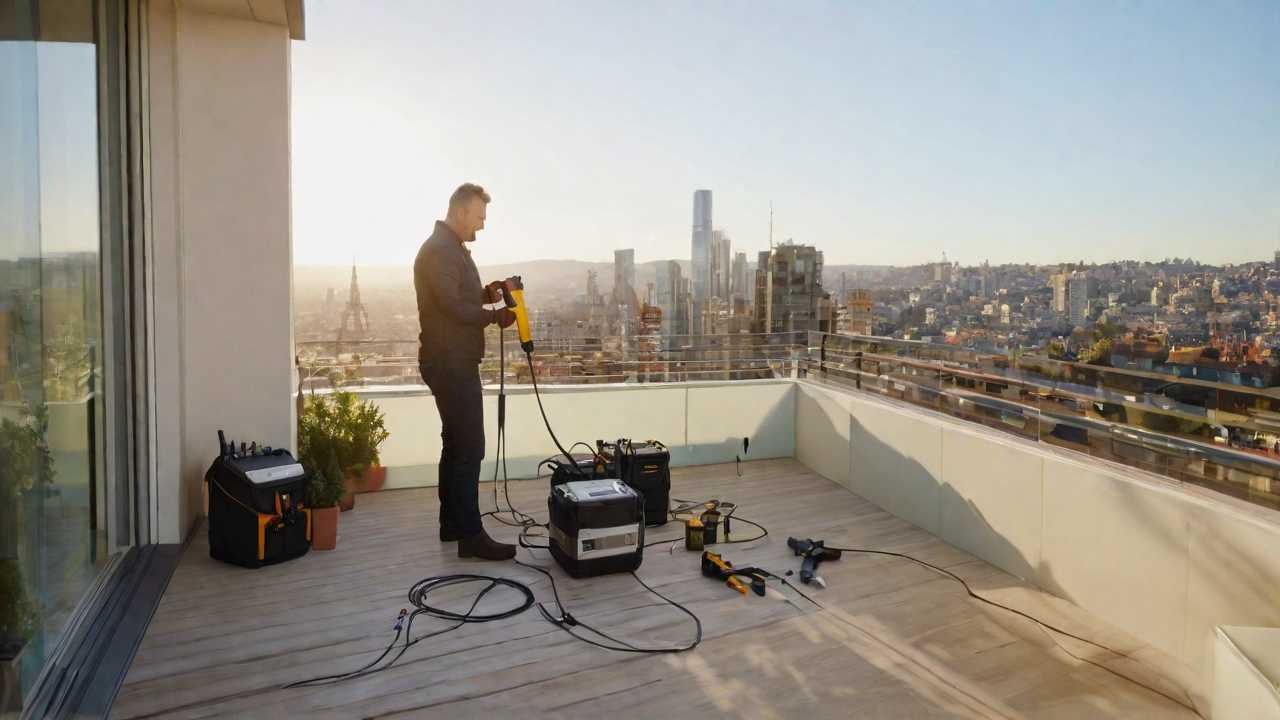
You’ll want to ensure your signal booster is placed strategically for maximum effectiveness.
It’s crucial to find the right spot that’s not only convenient but also provides optimal signal enhancement.
Don’t forget to consider proper airflow around the device to prevent overheating and ensure long-term performance.
Selecting Ideal Locations
To ensure optimal signal amplification, carefully select the installation site for your signal booster in your apartment or condo. Here’s how you can pinpoint the best spot:
- Find the Strongest Signal Area: Place the external antenna where you receive the strongest cellular signal, usually near a window or on the balcony.
- Avoid Obstructions: Keep the booster away from thick walls, metal objects, and electronics that may interfere with the signal.
- Centralize the Inside Antenna: Position it in a central location to maximize indoor coverage.
- Consider Cable Length: Ensure the location allows for proper routing of cables without extending them excessively, which can lead to signal loss.
Ensuring Proper Ventilation
Ensure your signal booster operates efficiently and safely by providing ample ventilation to prevent overheating. When installing the device in your apartment or condo, avoid cramped spaces like closets or cabinets that can trap heat. Instead, opt for areas with natural airflow or add a small fan to circulate air if necessary.
Remember, heat accumulation not only affects the performance but can also shorten the lifespan of your booster.
Check the manufacturer’s guidelines for clearance around the unit and adhere to them strictly. If you’re mounting the booster on a wall, keep it away from direct sunlight and other heat sources.
Legal Considerations

Before installing a signal booster in your apartment or condo, it’s crucial to understand the legal requirements and obtain any necessary permissions from regulatory authorities and your building management. Failing to do so could land you in hot water, including fines or being asked to remove the device.
Here’s what you need to know:
- Regulatory Compliance: Ensure the signal booster you’re considering is FCC approved. Using non-compliant equipment can lead to legal troubles and even interfere with emergency communication services.
- Building Approval: Get written consent from your building management or homeowner’s association (HOA). Some buildings have restrictions on the types of devices you can install.
- Installation Guidelines: Follow any specific installation guidelines provided by the FCC or your building management. Improper installation can affect other residents and lead to the device being forcibly removed.
- Neighbor Consideration: Inform your neighbors, especially if installation might temporarily affect their signal or require access to shared spaces. This can prevent disputes and maintain a good relationship with those living around you.
Maintenance and Troubleshooting
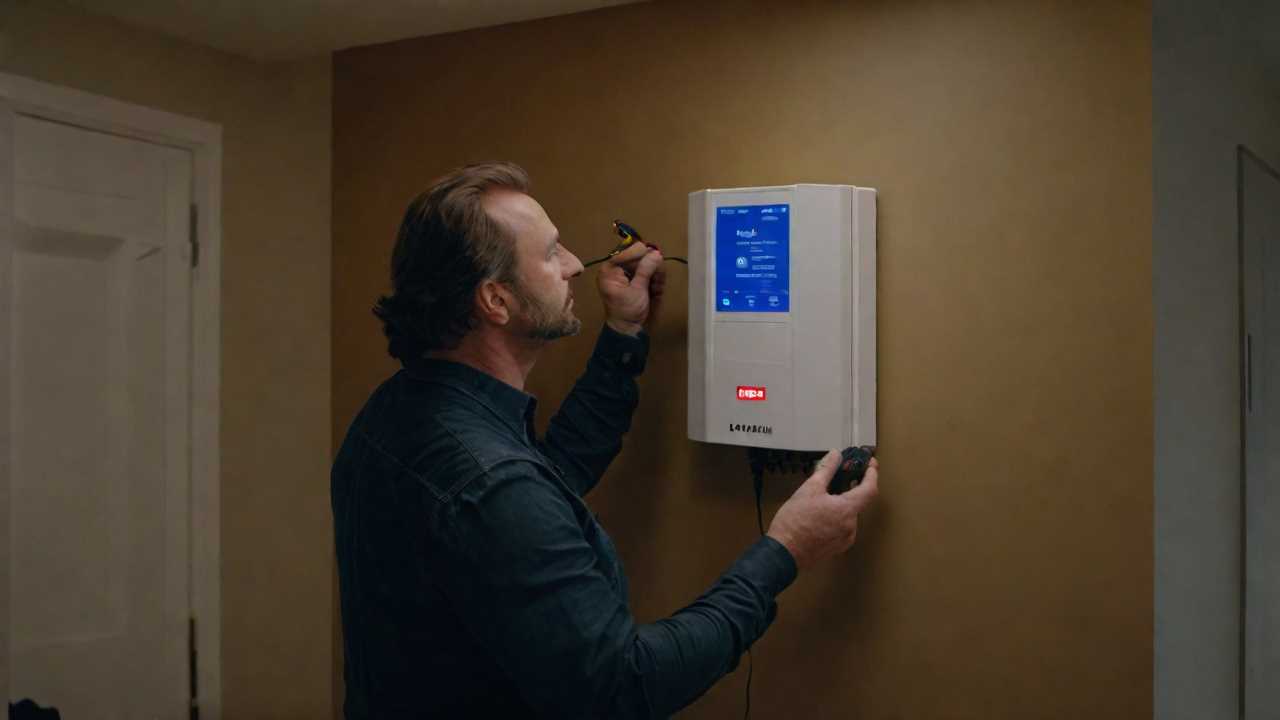
Regular maintenance of your signal booster can prevent unexpected disruptions and extend its lifespan. Keep an eye on the device’s indicators; a red or blinking light often signals trouble. Clean the unit periodically to prevent dust buildup, which can impede performance. Ensure all cables are securely connected and free from damage. If you’re experiencing poor signal, it’s possible that external factors like new construction or a changed environment might be affecting the booster.
When troubleshooting, first check power sources and reboot the system. This can resolve many minor glitches. If issues persist, consult the manual for specific diagnostic steps. Many signal boosters also have a customer support line or online resources that can guide you through common problems.
Enhancing Signal Strength

To effectively enhance signal strength in your apartment or condo, consider positioning your signal booster near a window or high up to minimize obstructions. This strategic placement allows the device to better capture the existing outside signal before amplifying it within your space.
Let’s walk through the steps you’ll take:
- Identify the Strongest Signal Area: Use your phone to find the spot with the strongest signal, usually near a window or an exterior wall.
- Elevate the Booster: Keep the booster above furniture or appliances that might interfere with signal reception. A higher position often equates to fewer obstructions.
- Direction Matters: Point the external antenna toward the nearest cell tower for optimal reception; this information can often be found online or through a smartphone app.
- Keep Distance: Separate the internal and external antennas to prevent oscillation—a feedback loop that can diminish booster effectiveness.
Frequently Asked Questions
Can Using a Signal Booster Lead to Increased Radiation or Health Risks Within My Apartment or Condo?
You’re unlikely to face increased health risks from a signal booster; they emit low levels of non-ionizing radiation, which is generally considered safe according to current scientific understanding and health guidelines.
How Do Signal Boosters Interact With Smart Home Devices and Iot (Internet of Things) Systems Commonly Found in Modern Apartments?
Signal boosters amplify your devices’ connectivity, ensuring your smart home and IoT systems work seamlessly. You’ll experience fewer disruptions and better communication between your connected gadgets.
What Impact Does the Exterior Construction Material of the Building Have on the Effectiveness of a Signal Booster?
The building’s exterior material can greatly affect a signal booster’s performance. Dense materials like concrete can block signals, so you’ll need a more powerful booster to ensure good indoor reception.
Can I Use One Signal Booster for Multiple Carriers if My Neighbors and I Have Different Mobile Service Providers?
Yes, you can use a multi-carrier signal booster to improve reception for different providers. It’s a shared solution, helping you and your neighbors get better cell service, regardless of your individual carriers.
In a Multi-Story Apartment or Condo, Will a Signal Booster on One Floor Affect the Signal Quality on Other Floors, or Is a Separate Booster Needed for Each Level?
You’ll likely need a booster for each floor, as one on a single level may not effectively enhance signal quality across multiple stories due to structural and distance-related signal attenuation.
Conclusion
You’ve now got the know-how to tackle weak signals in your apartment or condo. Opt for the right signal booster, install it smartly, and keep it running smoothly. Remember to check the legal side of things to avoid any hiccups. With a bit of maintenance and troubleshooting, you’ll enjoy stronger, more reliable connectivity. Say goodbye to frustrating dead zones and hello to seamless streaming and clear calls in your urban sanctuary.
More Cell Phone Signal Boster Articles
Please also read our Introduction To Cell Phone Signal Boosters article right here at www.stormscale.net and be sure to check out our other cell phone signal booster articles for more detailed reviews and information on signal boosters.
Next cell phone signal booster article: Maximizing Your Mobile Connectivity: How Signal Boosters Work
Previous cell phone signal booster article: The Ultimate Guide to Choosing the Right Cell Phone Signal Booster for Your Home
Don’t forget to check out our article: Introduction to 4G And 5G Cell Phone Signal Boosters And Amplifiers