
You might be skeptical about the effectiveness of signal boosters, considering the varied experiences you’ve heard from peers, but it’s crucial to understand the specifics of how these devices function to truly gauge their value.
As you grapple with dropped calls and slow data speeds, the science behind signal boosters could be the answer you’re seeking. These devices capture weak cellular signals, amplify them, and rebroadcast the strengthened signal to your area, ensuring that you stay connected.
By exploring the key components, installation process, and compatibility considerations, you’ll find yourself equipped to make an informed decision.
What’s more, understanding the legalities and compliance requirements will ensure that your pursuit of better signal doesn’t lead you astray.
Stay tuned to uncover how a deeper insight into this technology might just revolutionize your daily mobile interactions.
Key Takeaways
- Signal boosters capture weak cellular signals and amplify them to improve reception in areas with poor signal.
- Amplifiers are core components of signal boosters that increase the power of weak signals while maintaining signal quality.
- Signal boosters consist of outside antennas, amplifiers, and internal antennas that work together to enhance call quality and data transfer speeds.
- Signal boosters are generally compatible with a broad range of mobile devices and can amplify signals from any service provider’s network.
Understanding Signal Boosters
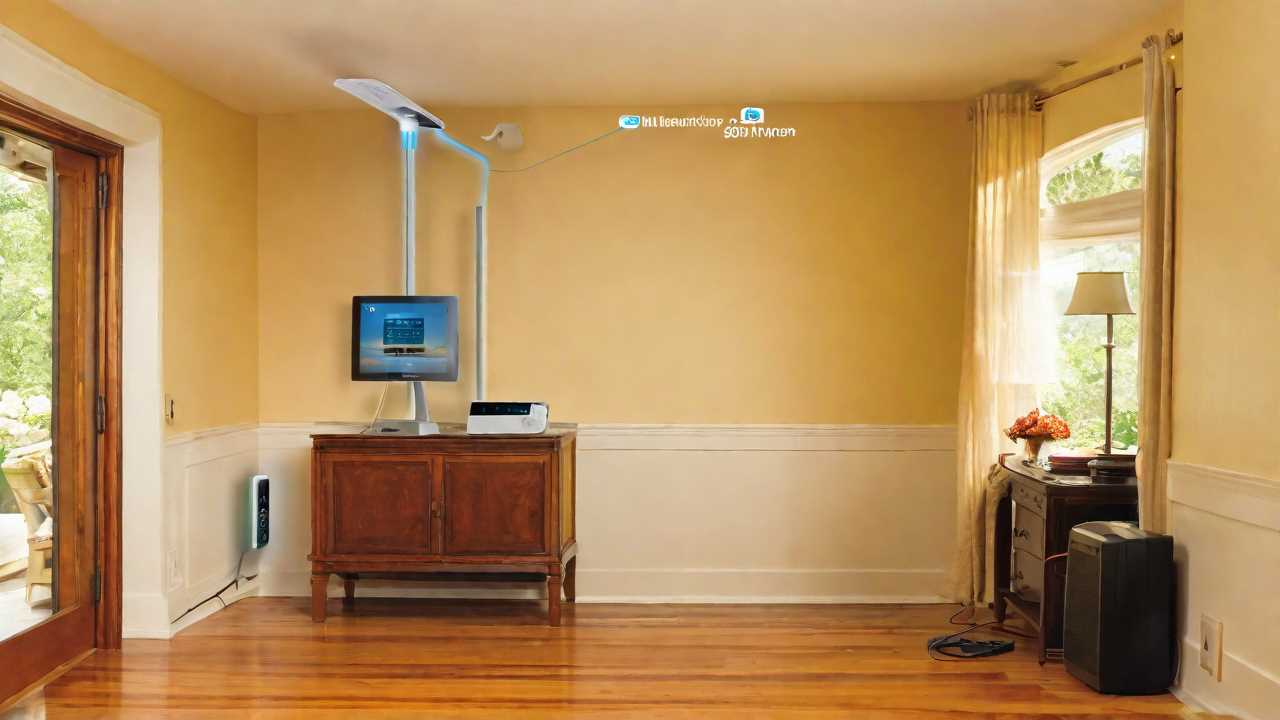
Signal boosters work by capturing weak cellular signals, amplifying them, and broadcasting the strengthened signal to areas with poor reception.
Picture yourself in a remote area where your phone’s signal is barely one bar. You’re struggling to make a call or send a text. That’s where a signal booster comes in handy. It acts like a relay between your phone and the nearest cell tower.
Here’s how it works: An external antenna, usually placed on your roof or high up, picks up the faint signal. It’s then passed down a cable to the amplifier unit inside your home or car. This amplifier does the heavy lifting, boosting the signal’s strength. Finally, an internal antenna rebroadcasts the improved signal, allowing your phone to use it.
You’ve got to make sure the booster you choose supports your carrier’s frequency bands. Otherwise, it won’t be much help. Also, keep in mind that while boosters can amplify a signal, they can’t create one. If there’s absolutely no signal to begin with, a booster won’t be able to work its magic. But when you’re dealing with weak signals, it’s your go-to solution for better reception and fewer dropped calls.
The Principle of Amplification
Now that we’ve seen how signal boosters capture and retransmit cellular signals, let’s explore how the amplification process actually strengthens these signals.
At the heart of this process is the amplifier, a core component of the signal booster. It takes the faint signal it receives from the outside antenna, and with the help of electronic circuitry, it increases the signal’s power.
Think of it like a megaphone for your phone’s signal. You shout into a megaphone because your voice alone isn’t loud enough for everyone to hear. Similarly, the amplifier takes the whisper of a signal your phone receives and turns it into a clear, audible conversation.
But it’s not just about volume. Quality is key. The amplifier boosts the signal without degrading its quality, ensuring that your calls and data maintain clarity. It filters and enhances the frequencies your phone uses, so what comes out on the other side is a stronger, cleaner signal.
This enhanced signal is then sent to the indoor antenna, which disperses the boosted signal inside your space. You get to enjoy better call quality, faster data downloads, and fewer dropped connections. It’s like going from a sketchy one-bar signal to a full five bars in just one step.
Key Components Explained
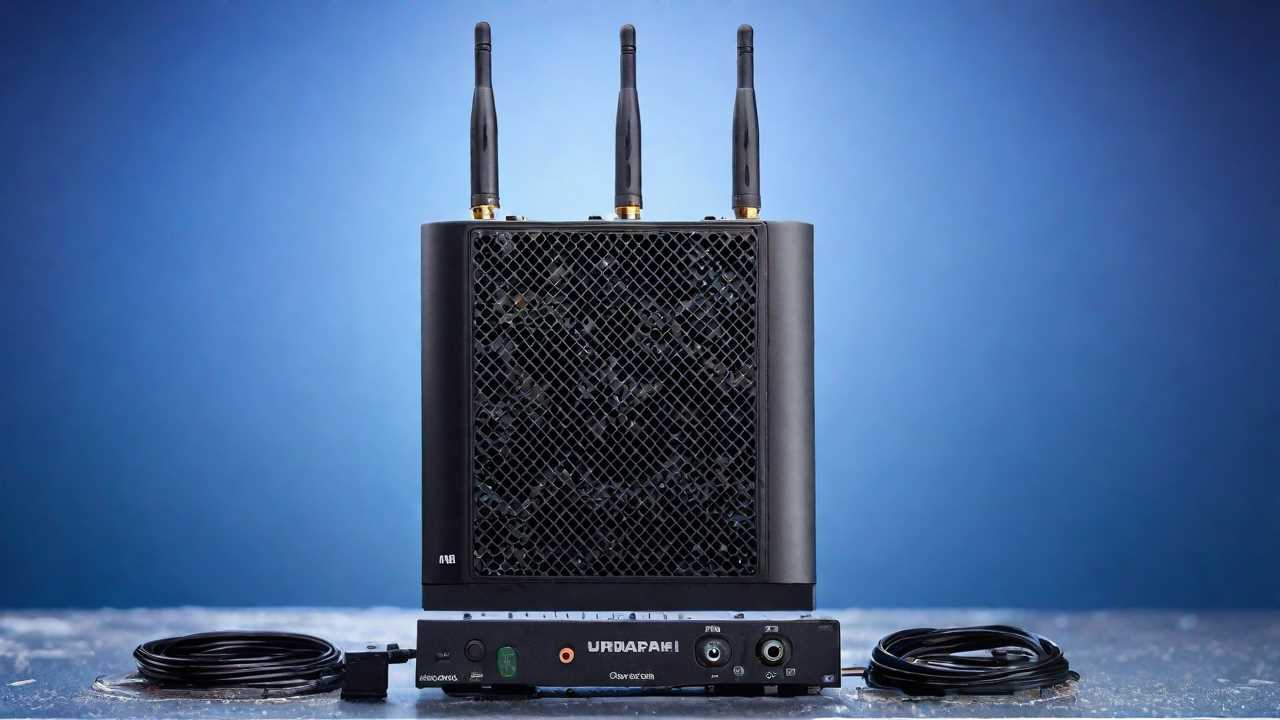
Now that you understand the basics of amplification, let’s break down the essential parts of a signal booster.
You’ll learn how each component plays a critical role in enhancing your signal’s strength.
Grasping the function of these elements will simplify the amplification process for you.
Signal Booster Fundamentals
To understand how signal boosters enhance communication, it’s essential to break down their key components.
First, there’s the outside antenna, which captures weak cellular signals from the nearest cell tower. It’s your system’s initial contact with the outside world.
Then, the amplifier, or the booster itself, comes into play. It takes the weak signal and amplifies it, giving it the strength it needs to be useful.
Finally, the inside antenna broadcasts the amplified signal within your space, allowing your phone or device to receive a much stronger signal.
This process not only improves call quality but also enhances your data transfer speeds. Essentially, you’re bypassing the usual barriers that degrade your mobile experience.
Essential Booster Elements
Understanding the core components of signal boosters is crucial, as each plays a pivotal role in improving your device’s connectivity. Essentially, there are three main parts: the external antenna, the amplifier, and the internal antenna.
The external antenna is tasked with capturing weak signals. It’s typically mounted outside your home or vehicle. Think of it as the system’s scout, always on the lookout for signals to harness.
Next, the amplifier boosts these faint signals. It’s the muscle of the operation, enhancing signal strength before it’s redistributed. Lastly, the internal antenna rebroadcasts the amplified signal inside. This is the final step, spreading improved connectivity to your devices. Together, these components work seamlessly to keep you connected when it matters most.
Amplification Process Simplified
Delving into the amplification process, the signal booster’s amplifier takes center stage, magnifying the weak signals captured by the external antenna with remarkable efficiency. Imagine it’s like turning up the volume on your favorite song.
The amplifier doesn’t just make the signal louder; it strengthens it so your phone can ‘hear’ it better amidst noise and distance.
But it’s not going rogue; the amplifier’s power is meticulously regulated to prevent interference with other networks. Once boosted, the signal is then broadcasted inside your space through an internal antenna. This ensures you’re not just getting a stronger signal, but a clear and reliable one.
It’s a game-changer for your calls, texts, and data usage, especially in areas where connectivity usually takes a hit.
Installation and Placement
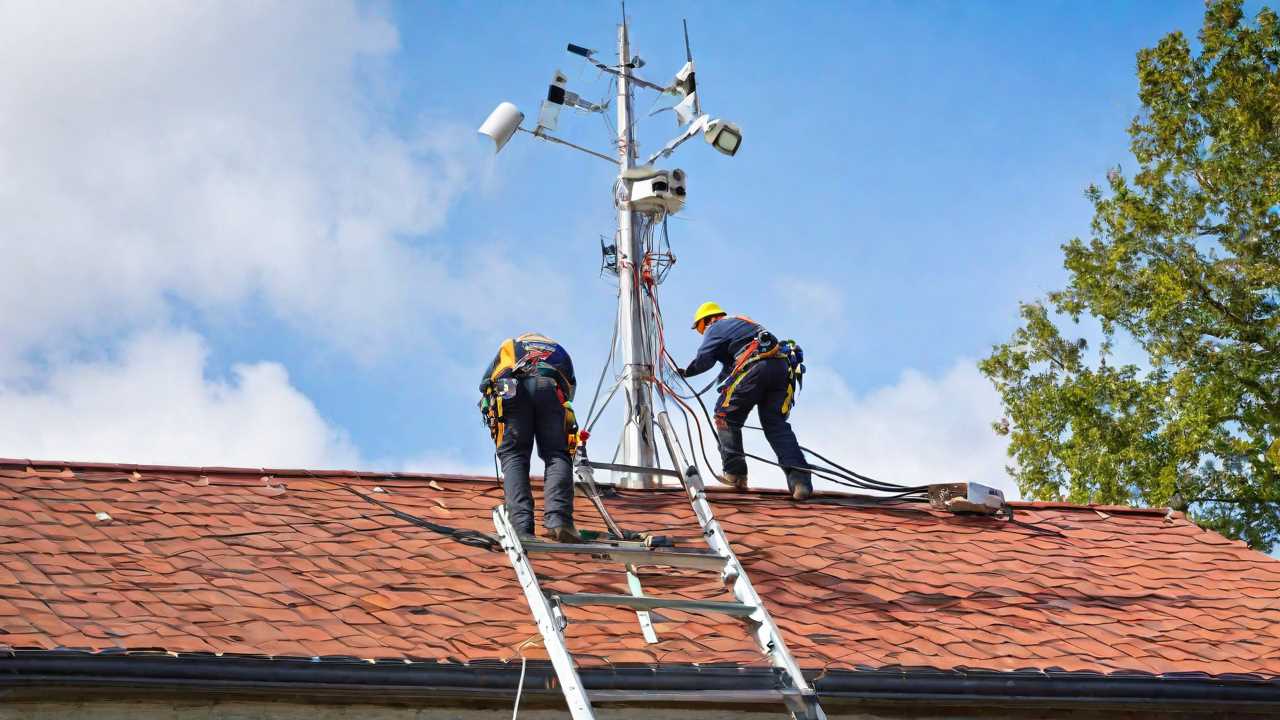
You’ll need to carefully choose where to place your signal booster for the best results.
Start by assessing the strength of the signal where you plan to install the external antenna.
The orientation of this antenna is critical; it must be positioned correctly to capture the strongest signal possible.
Optimal Booster Location
To maximize the effectiveness of a signal booster, it’s crucial to identify the most advantageous location for its installation. Start by finding the area in your home or office with the strongest signal—this is typically near a window or on the roof. Place the external antenna here, pointing away from the building to capture the cleanest signal.
The internal antenna should be centrally located where you need improved coverage most, away from obstructions like thick walls or metal objects that could hinder signal distribution.
Signal Strength Assessment
Having pinpointed the prime spot for your signal booster, it’s essential to assess the current signal strength to ensure optimal placement and installation.
Start by using your phone to check the signal bars in various areas. However, for a more accurate reading, dive into your phone’s settings to find the signal strength indicator, measured in decibels (dBm). You’re aiming for a number closer to -50 dBm, which represents a strong signal, while anything near -120 dBm means a weak signal.
Once you’ve mapped out the signal variation around your space, position the booster’s outdoor antenna in the location where you’ve recorded the strongest signal. This ensures that the booster amplifies the best possible signal, providing you with improved connectivity.
External Antenna Orientation
Correctly orienting the external antenna is crucial for capturing the strongest possible signal to be boosted inside your home or office. You’ll need to start by finding the direction from which the best signal is coming. Often, this means pointing the antenna toward the nearest cell tower. Use apps or your mobile device’s signal strength indicator to determine this direction.
Once you’ve got a bead on the signal source, mount the antenna as high as possible, avoiding obstructions. Make sure it’s facing away from your building to minimize interference. Remember, the goal is to have a clear line of sight to the tower.
After installation, fine-tune the antenna’s position by making small adjustments. Monitor the signal strength each time you move it. Patience is key—you’ll find the sweet spot that provides the optimal signal boost.
Compatibility With Devices
Signal boosters are designed to work with a broad range of mobile devices, ensuring that your smartphone, tablet, or other cellular-enabled gadgets receive improved reception. You don’t have to worry about the make, model, or operating system of your device. Whether you’re an Android enthusiast or an Apple aficionado, signal boosters are generally universal in their compatibility.
They amplify the existing signals from cell towers, and as long as your device can connect to the cellular network, it’ll benefit from a booster. This means you’re not restricted to a specific carrier either. Most signal boosters are carrier-agnostic, which means they’ll work with any service provider’s network—be it Verizon, AT&T, T-Mobile, or any other.
When you’re looking to enhance your mobile connectivity, it’s important to check that the signal booster supports the specific frequencies your carrier uses. However, many modern signal boosters are multi-band, meaning they can amplify signals across various frequency bands used by multiple carriers.
In essence, you get a versatile solution that’s compatible with practically any cellular device you own, providing you with the freedom to improve your mobile experience without the hassle of matching device specifications or carrier frequencies. Just set it up, and you’re good to go.
Troubleshooting Common Issues

While signal boosters are designed for broad compatibility, you might occasionally encounter issues that can affect their performance. If you’re struggling with a weak signal even after installation, the first thing to check is whether the booster’s antennas are properly positioned. They should have a clear line of sight, ideally with significant separation between the indoor and outdoor antennas to avoid oscillation, which can cause feedback and reduce effectiveness.
If the issue persists, ensure that all connections are secure and that cables aren’t damaged or frayed. It’s also worth checking if your booster is compatible with your carrier’s frequencies, using a booster not aligned with your network can lead to poor performance.
Sometimes, the environment can be the culprit. Construction materials like metal and concrete can block signals. If you’re in such a building, repositioning the outdoor antenna to an area with better reception might help.
Enhancing Signal Strength

To enhance your signal strength, it’s essential to ensure the outdoor antenna is placed in an optimal location with minimal obstructions. An ideal spot is often the highest point on your property, such as the roof, where the antenna can receive the strongest signal from the cell tower. Avoid mounting it near metal objects or other antennas, as these can cause interference.
Once you’ve secured the best position for the outdoor antenna, make sure it’s pointing in the correct direction, towards the nearest cell tower. You can find this information by using various smartphone apps or websites dedicated to locating cell towers.
The type of antenna you use can impact your signal strength. Directional antennas, which focus the signal in a specific direction, are great if you’re targeting a particular tower. Omnidirectional antennas, though, capture signals from all directions and are better suited for areas with multiple towers.
For the indoor antenna, place it where you need better coverage the most, but at least 8 feet away from the outdoor antenna to prevent oscillation—a feedback loop that can reduce booster effectiveness. Keep the path between the indoor and outdoor antennas clear of thick walls and metal objects to maximize the signal relayed inside your space.
Legal Considerations and Compliance

Before installing a signal booster, you’ll need to familiarize yourself with the legal requirements and ensure your device complies with regulatory standards. In the United States, for example, the Federal Communications Commission (FCC) mandates that all signal boosters must be certified to avoid interference with wireless networks. It’s not just a suggestion—it’s the law.
You’re responsible for registering your signal booster with your wireless carrier as well. This isn’t a lengthy process, but it’s crucial to stay on the right side of regulations. Failure to do so could lead to penalties or even the disabling of your device. Each carrier has its own registration system, so you’ll need to check with yours for the specific procedure.
Also, keep in mind that using a signal booster that significantly enhances signal strength beyond the stipulated limits could land you in hot water. The FCC has put limits in place to prevent interference with emergency and public safety communications. So, while you’re aiming for a better signal, make sure you’re not disrupting essential services. Always opt for a booster that has the right certifications and fits your carrier’s requirements.
Compliance isn’t just about following rules—it’s about ensuring safety and respect for the shared airwaves.
Frequently Asked Questions
Can the Use of a Mobile Signal Booster Affect My Health Due to Increased Radiation?
You shouldn’t worry—mobile signal boosters emit low levels of non-ionizing radiation, which isn’t harmful to your health, similar to the regular output of your phone or other household electronics.
How Does Weather and Environmental Factors Impact the Effectiveness of Signal Boosters?
Weather and environmental factors can diminish your signal booster’s effectiveness, as rain, snow, and thick foliage might absorb or block the signals it’s trying to amplify.
Is It Possible to Use a Signal Booster in a Vehicle, and Does It Require a Different Installation Process?
Yes, you can use a signal booster in your vehicle, but the installation process differs slightly from stationary setups, often involving a smaller, mobile-specific booster and an externally mounted antenna.
How Do Signal Boosters Interact With Emergency Services Communications, Like 911 Calls?
Signal boosters enhance your phone’s connection, ensuring you can reach emergency services quickly. They don’t interfere but rather improve the reliability of 911 calls by amplifying the signal strength.
Can Signal Boosters Be Used to Enhance the Connectivity of Iot (Internet of Things) Devices in a Smart Home Ecosystem?
Yes, you can use signal boosters to improve your smart home’s IoT device connectivity, ensuring more reliable control and monitoring of your automated systems. They’re especially helpful in areas with weak signals.
Conclusion
You’ve now got the essentials on boosting your mobile signal. Remember, it’s all about amplifying what’s already there. Get the right components, place them strategically, and ensure they’re compatible with your devices. Facing hiccups? Don’t fret, most issues are fixable. Just keep in mind the legal side of things to stay compliant. With a signal booster in place, you’re set for stronger, more reliable connections. Say goodbye to pesky dead zones!
Previous cell phone signal booster article: Signal Boosters for Apartments and Condos: Effective Solutions
Next cell phone signal booster article: The Ultimate Guide to Choosing the Right Cell Phone Signal Booster for Your Home
Don’t forget to check out our article: Introduction to 4G And 5G Cell Phone Signal Boosters And Amplifiers